I concur with your feedback. I am looking to see if I can get a pixelcade marquee to work. Check out www.pixelcade.org


Awesome builds and feedback, guys!
Just checking: I originally started this thread because the picademaxbeta@pimoroni.com address provided on the product page kicked back my email as it wasn’t setup (Yet? Properly?).
Has anyone had any luck sending feedback to the above address? We should make sure Pimoroni gets the feedback where they expect it. Failing that, who’s the best person from Pimoroni to tag on this thread?
I’ve built mine Friday and yesterday. Tried Recalbox but quickly noticed that Recalbox is quite hard to customize, so adding a Galactic Unicorn or Plasma buttons will not work as I would like them to, and nvme support would be quite finicky, so I went for a ‘normal’ bookworm install for now and add Retropie later on.
- I also noticed that the sound stops working after a while, until the next reboot
- The screws used for attaching a Galactic Unicorn to the diffuser are way too long, and the cutout in panel G is not deep enough even if you cut the screws:
- The diffuser and acrylic marquee cannot be rotated. So, if you want to mount a galactic unicorn and not have it upside down, you need to figure this out before attaching it to the diffuser
- The published plasma daemon is too old to work on bookworm. There is new stuff in the Picade max input board firmware but it doesn’t seem like the daemon sees it
- Please tell builders to attach the LCD cables (especially the backlight cable) before mounting the display. Especially after mounting panel K, the backlight connector on the LCD panel is hard to reach
- Same for the rotary encoder - it’s hard enough to get that in place with the plastic bracket mounted next to it. Not everyone has 8 joints in their left index finger, so mount panel I or J after having fitted the encoder and power button.


As for further customisations, I think I’m going to add two external USB ports and connect them to the leftover USB ports on the PI, so that I don’t have to open up the back if I want to add a keyboard or an external analog controller.
emailed mine today. No bounce back.
Good point on the marquee. I too had trouble with the backlight cable.
Have you gotten the Galatic Unicorn to work? I am looking to add a www.pixelcade.org marquee instead.
I hooked the GU up to one of the RPi’s USB ports with the micro USB cable so I can at least upload new firmware. I think I’ll just let it run a web server that displays any PNG or GIF that you throw at it.
As for mounting it, I see on the unofficial official Discord that you’re not supposed to use the transparent acrylic. BTW there is someone from Pimoroni there and it looks like emails are being read.
(edit) those pixelcades look nice as well, but the Unicorn will do for now. I did contemplate to get one of those Waveshare displays that come in HDMI and DSI models, so that it’s just another display which I think could make life easier. But they’re too small in my opinion.
I take it you solved the issue with the Galactic Unicorn?
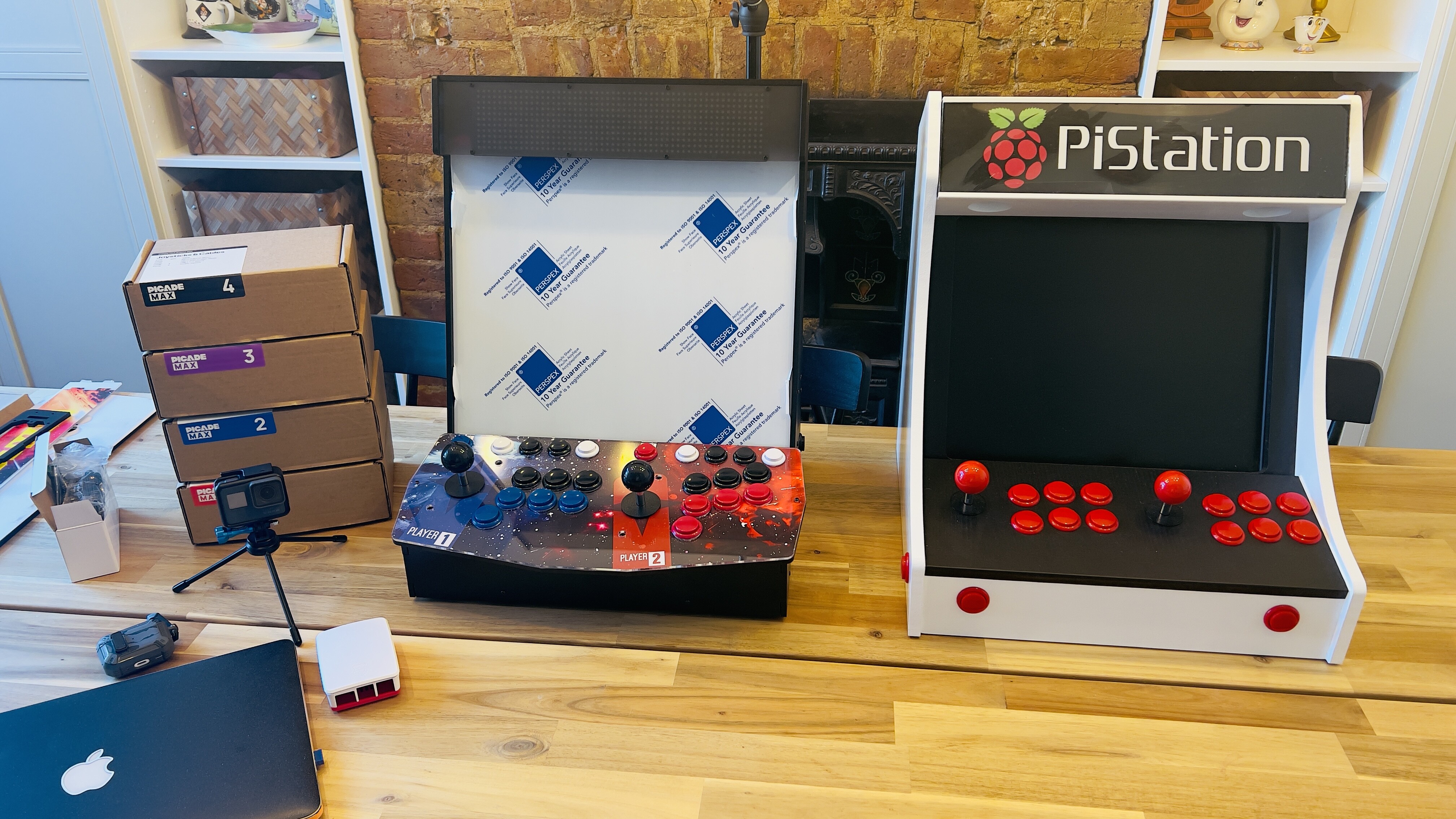

Yeah, I like the simplicity of the pixelcade’s software not sure how the Galactic Unicorn works. Is it just static images or text? that you have to code to change?
Currently own a 10in picade and a arcade 1up cabinet i converted to run with a pi4, would be more tempted to buy one of these
Picade max if they sold a extra wooden joystick button plate and perspex without any holes for joystick and buttons in so then i could just put holes for one player joystick and buttons then add the trackball and spinner I currently have
They do… it comes with the wooden plate for both 1 and 2 player setup, each with their own corresponding acrylic top and graphics sheet 👍🏻
No i ment a blank plate with no holes so then could put single joystick and a row of buttons and then could fit my trackball and spinner in, using the premade one that come with it you struggling to place stuff where u want, where a complete blank one would let u place stuff where u want, plus noticed on the artwork pdf it looks like the single controls more a square design where two player points a bit to bottom, think both should have been the two player designed but with single controls on then the square look of single control plate
Please keep us posted with you progress. I would also like a marquee with a higher resolution than the galactic unicorn, which I find more or less pointless due to low resolution.
I would actually prefer an LCD, so I could display normal jpgs etc.
Firstly I need my Picade Max to arrive.
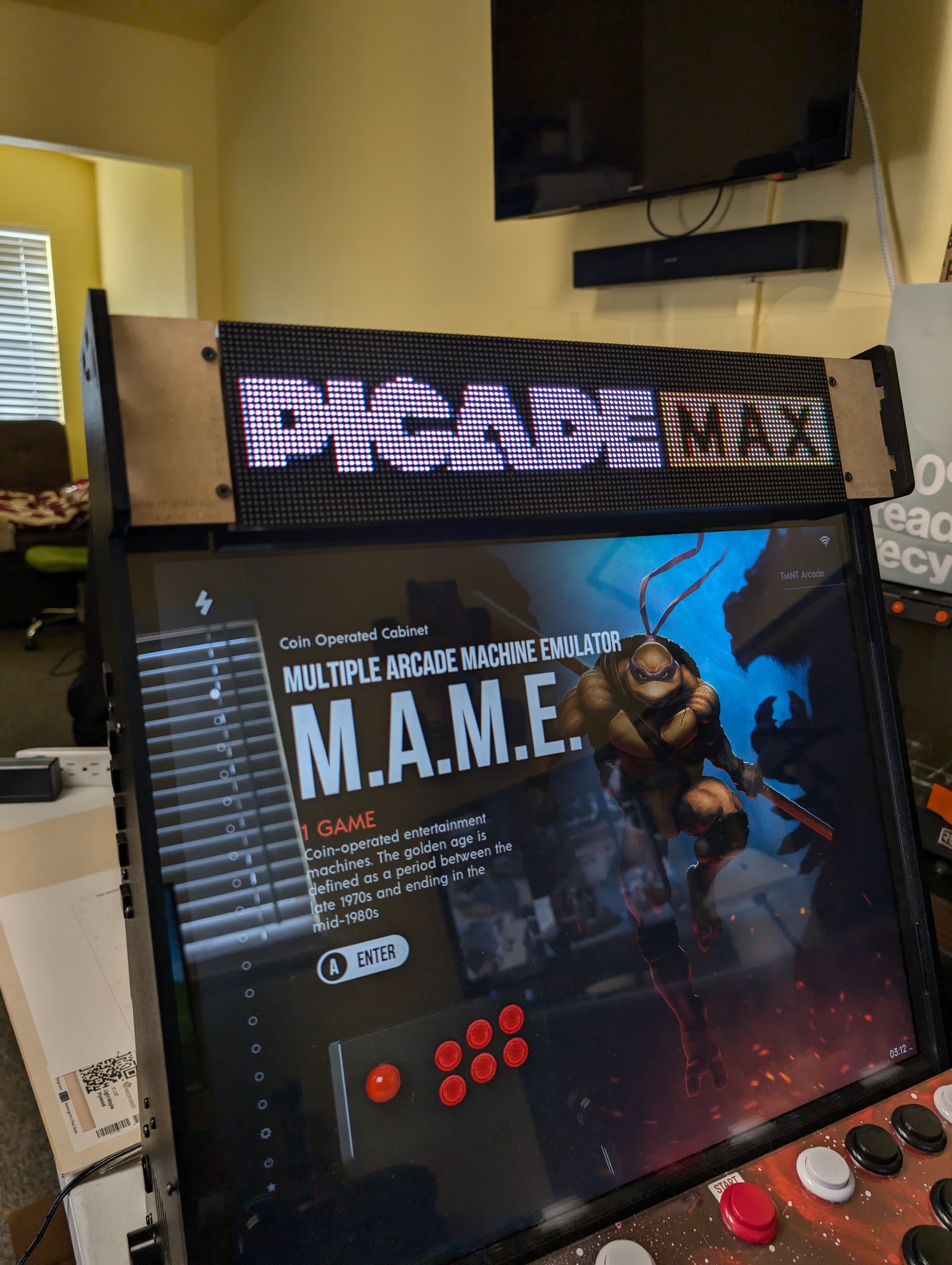
Seeing that image made me react somewhat like this:

Thanks :-)
Haha the Pixelcade version will be for sale soon. Ill post a link and price once that is finalized also. Quick pros to the pixelcade version is seamless installation and updates to the marquee software, not only does it change with game your playing but it also has a mobile app to change the marquee to what ever marquee image or animation in the database, you can add your own custom marquee images, have it show game scores and more. Check out pixelcade.org