Hello,
I hope you are well. Please could some of the wise on this group assist me. I’ve got no more hair to pull out. I have tried reading various forums and chatgpt to no avail.
Issue
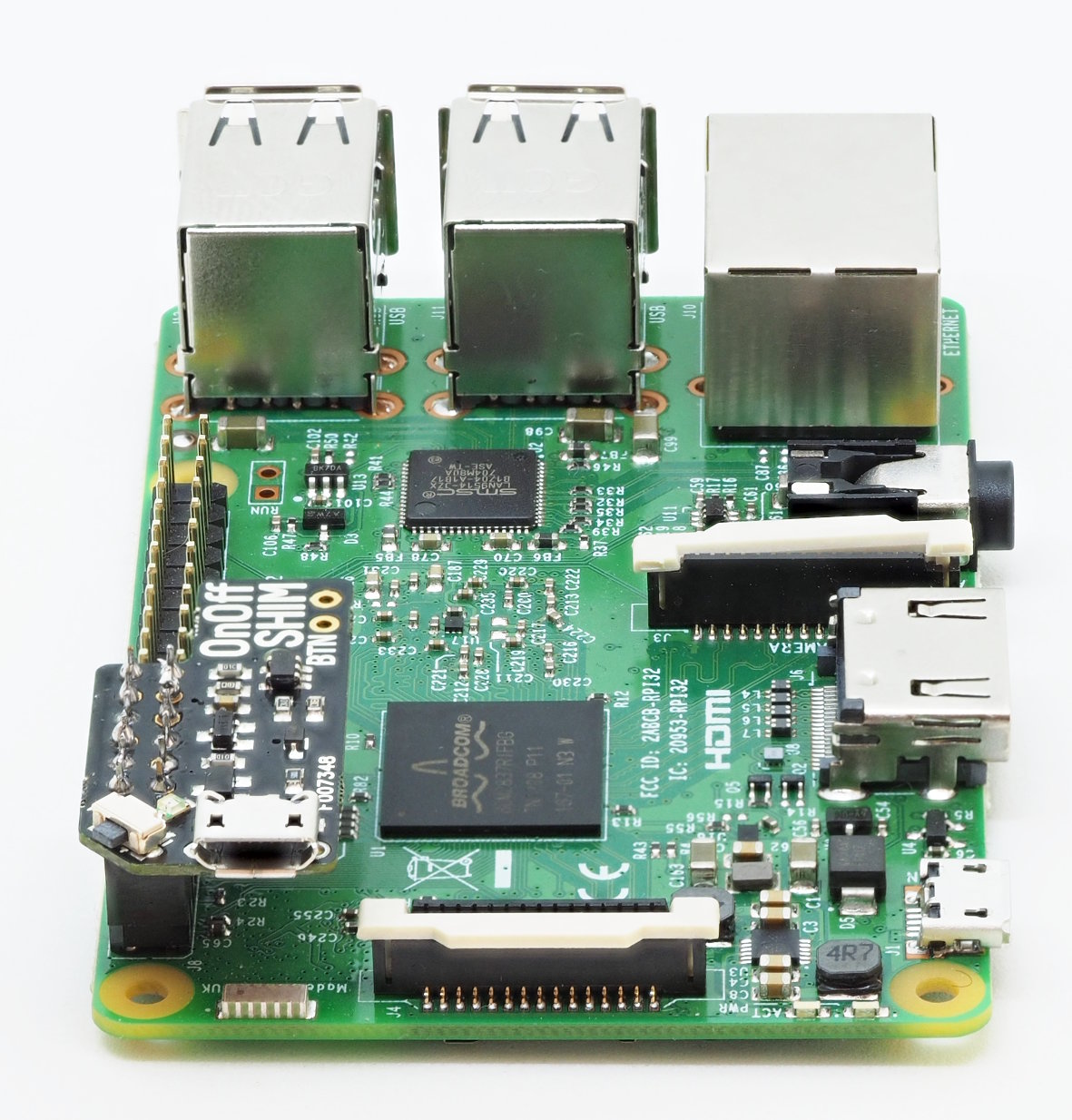
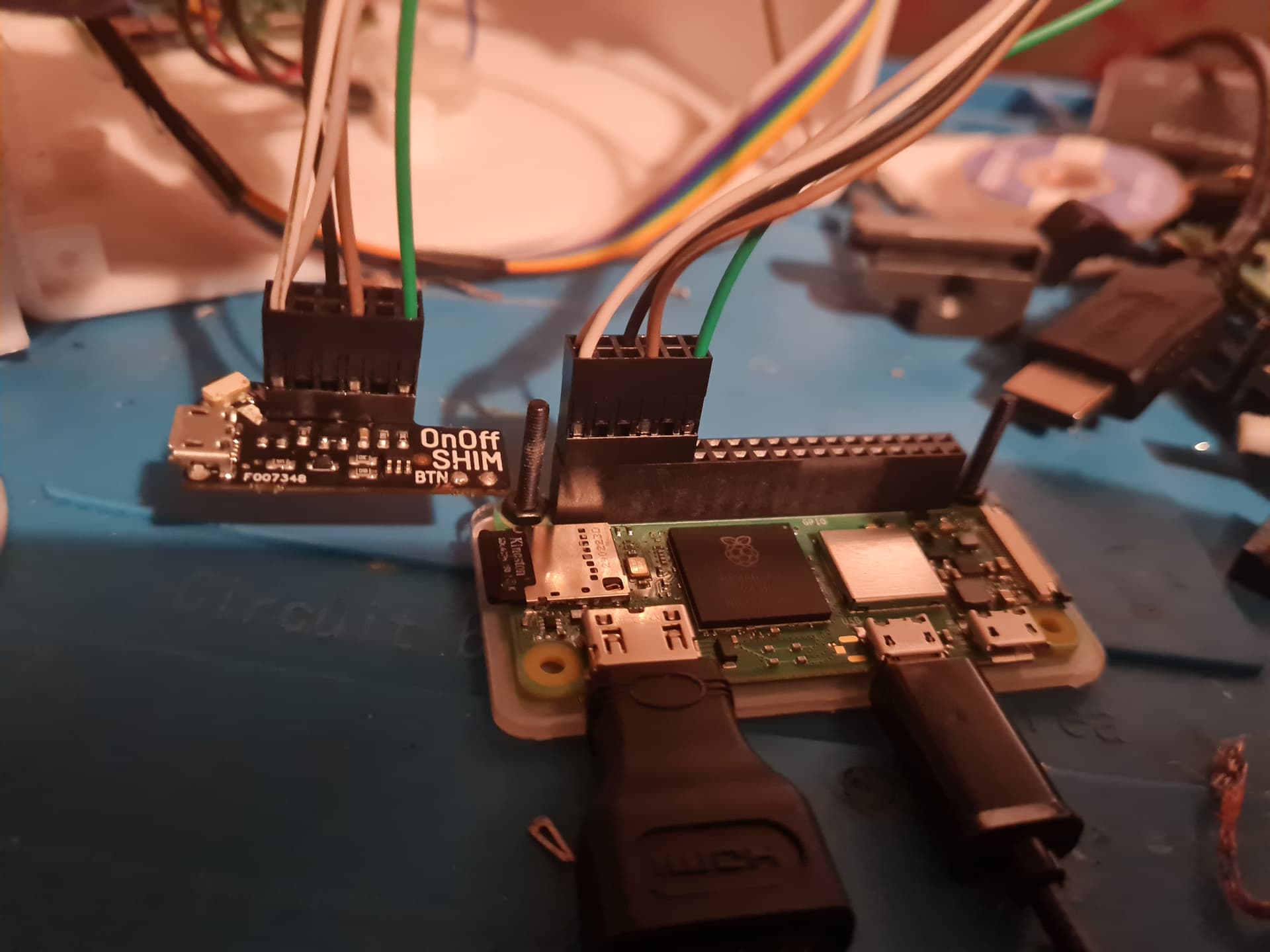
I am trying to install an OnOff Shim (shop.pimoroni.com). it works to switch the Pi off. However, it does not work to switch on Pi.
when i hold the switch on the shim, the LED on the shim turns on (red), and the LEDs on the Pi begin to flash to indicate the Pi is receiving power.
However, as soon as i release the button on the shim, the red light on the shim goes off and the lights on the pi switch off (and the pi does not boot/turns off).
What is supposed to happen
After releasing the button on the shim, the pi boots and stays on.
What have i tried so far
if i plug the power into the pi then i can boot and pi works normally. If i then connect onoff shim after boot, i can use the onoff shim button to power off, this works ok.
I have tried holding the pi on for 10-15 seconds, but this makes no difference.
I have tried a different power supplies and cables
I have also tried two different OnOff shims and get the same result. I have tried 3 different Pis, Zero, Zero 2 W and 2B and get the same result.
I have tried a few edits of the overlays in /boot/config.text , but these have not proved sucessful.
tried to follow this forum, but cannot actually see what the solution was, and if relevent to mee, as i use the default pins. OnOff Shim wont stay on - Support - Pimoroni Buccaneers
debug information
I’m using default pinout ( not tried to change anything)
soldering should be good ( tested with a multi-meter, and in my frustration order a second onOff Shim and tried again just in case)
power is connected to the shim (not directly to the pi).
OS: Raspberry Pi Lite (Debian 11.11 (Bullseye)
installed via the standard curl command
~ $ raspi-gpio get 4
GPIO 4: level=1 fsel=0 func=INPUT
~ $ raspi-gpio get 17
GPIO 17: level=1 fsel=0 func=INPUT
/boot/config.txt
the only overlay is :
dtoverlay=vc4-kms-v3d
/etc/cleanshutd.config
#daemon_active=1
trigger_pin=17
led_pin=17
poweroff_pin=4
hold_time=1
shutdown_delay=0
polling_rate=1