Hello! I’ve been trying to get a Flight Tracker running to display on an Adafruit RGB Matrix with a matrix bridge on a Raspberry Pi Zero.
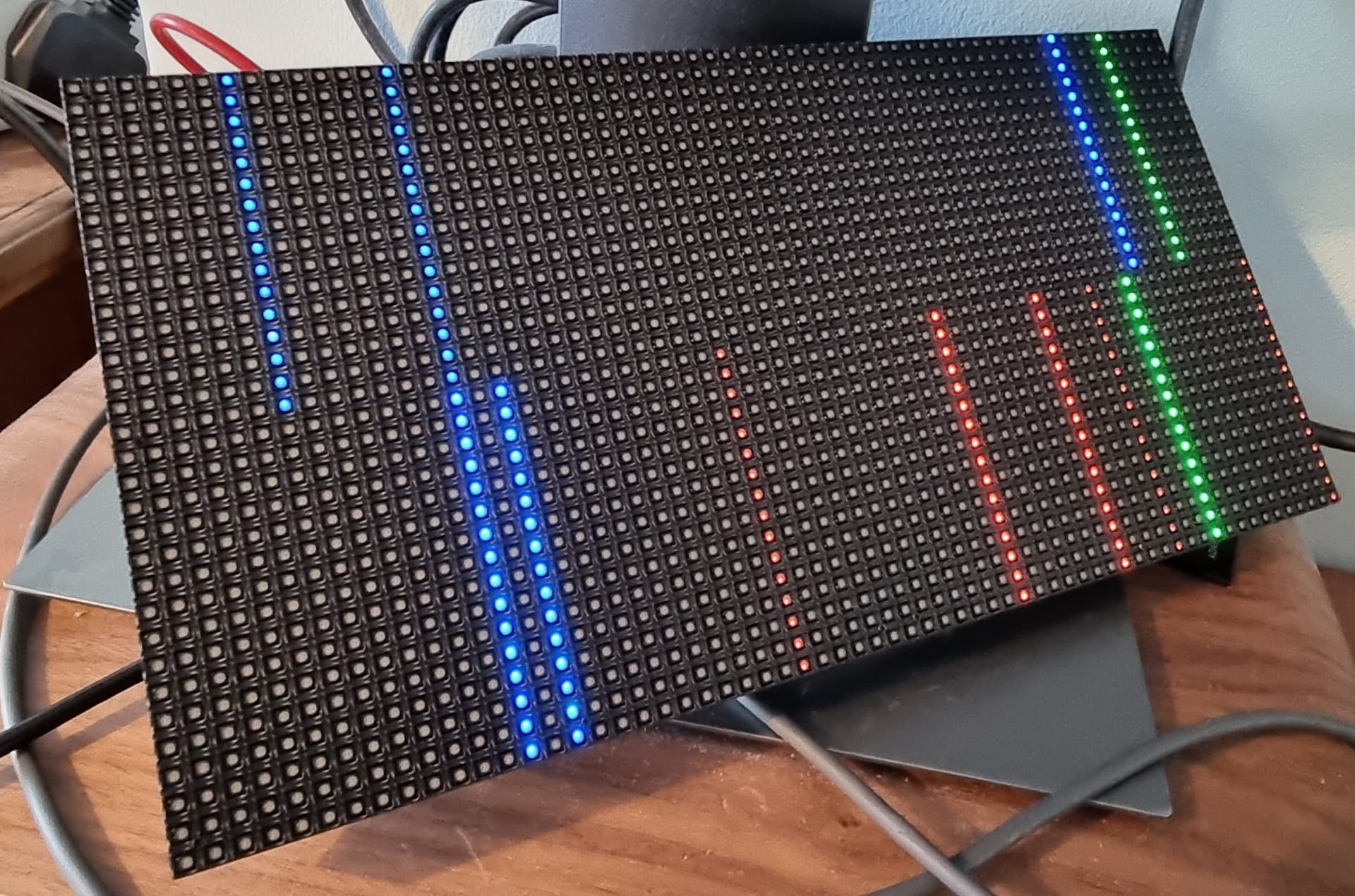
I’ve followed steps to install rgb-matrix and have run the demos and initially I was seeing strange lines as well as part of the matrix seeming to work properly. When the matrix LEDs are reset, two blue LEDs stay on at the bottom edge of the matrix.
To try and troubleshoot this issue, I shut down the pi, restarted and reinstalled everything and now the matrix won’t work at all. I’m unsure whether it’s a hardware issue or something on the setup side. I’ve been using a 5V 8A power supply for the matrix.
Any help or thoughts would be more than welcome
Here’s another picture of the strange lines
Did the Pi Zero come with the header soldered in?
If no, who soldered it in?
Yeah sorry I meant to mention I bought it pre-soldered
Ok, its not that then. Poor soldering can cause issues like this.
I have two 64x32 matrices, mine are connected to an Interstate 75 and running Micro Python.
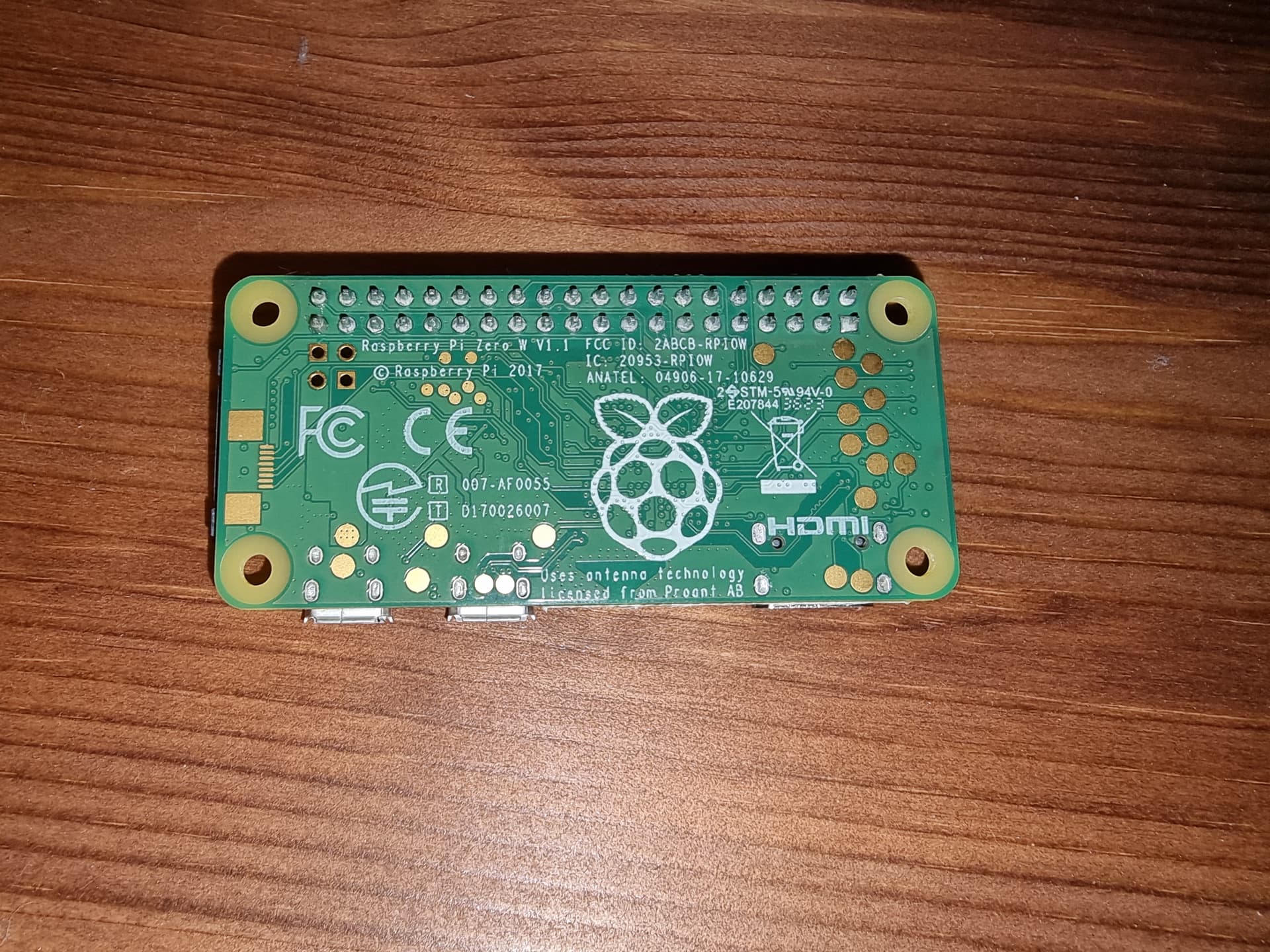
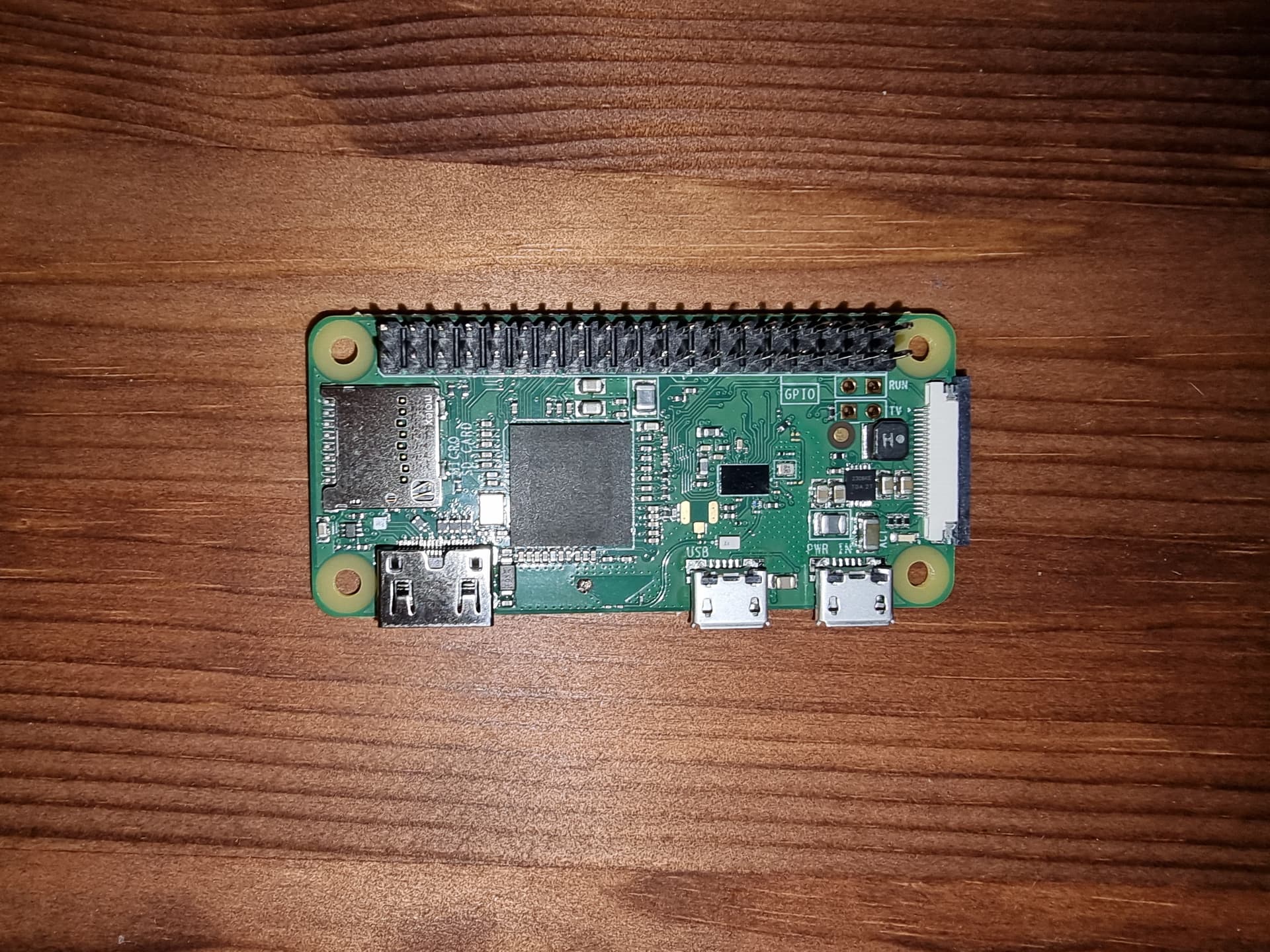
I guess just to check, this is what the Pi Zero looks like. I couldn’t spot anything major that looks wrong. The bridge also looks OK I think
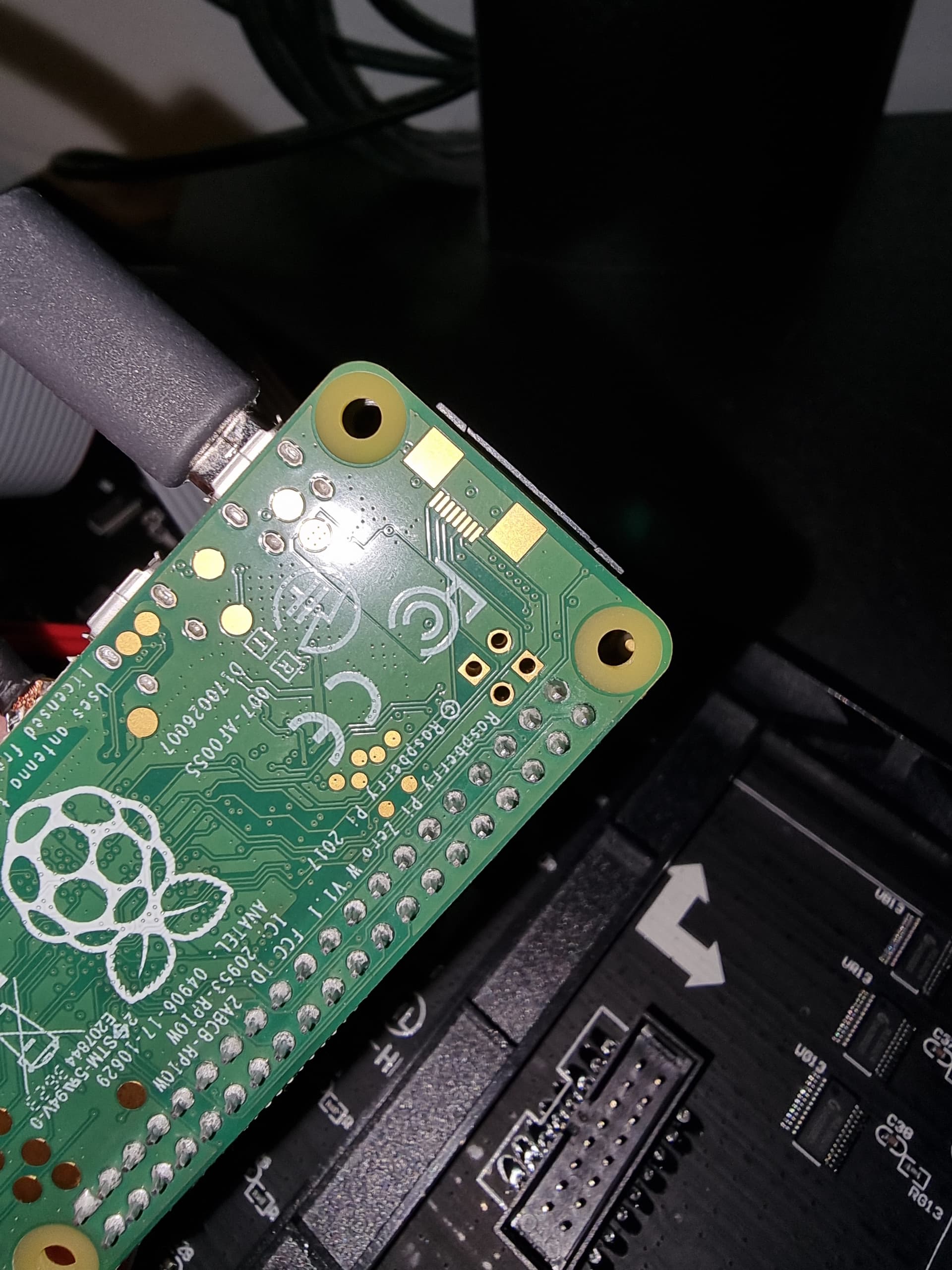
Might want to check the last two pins on the left. There might be two little streaks of solder or flux there on the bottom side. If you have an old toothbrush handy, wash it so its nice and clean, and let it dry. Then us it to give the back side of the GPIO header a good wipe. If you have any isopropyl alcohol put a little of that on when you use the brush. It will dissolve and left over solder residue, flux etc.
Thanks for this, its a great spot. There was what looked like some flux on there so I cleaned it off as you suggested, it looks in better shape than I did in the previous picture (see attached)!
I’ve also completely disassembled the setup and re-ran through the instructions to make sure I hadn’t missed anything but I’m still seeing nothing on the matrix.
I know you’re running an Interstate 75, I just wondered if there was anything that springs to mind to let me work out if its the Raspberry Pi (or the bonnet I suppose) causing the issue or the matrix? The code seems to be running without issues when I ssh into the Pi.
I’ve tried to think of what else could cause the problems:
- I read in some places that the other thing that causes weird lines like this is underpowering. The Pi is plugged in to a 5V2A supply through micro USB, but then there is also the 5V8A supply into the bonnet which I presume would be making sure everything had enough power?
- I don’t suppose you have any idea if the ribbon cables can be temperamental? Just wondered if that could have something to do with some pixels appearing initially, and then none later. It seems unlikely though, there’s no obvious damage to the cable.
I really appreciate the help!
Mine is two 64x32 setup as a 64x64. I didn’t have any issues with the cables. I’m using a 5V 4A supply to run everything.
Thanks for your replies before, since we last spoke Pimoroni have been in touch. They sent a new dot matrix but I saw the same issue. Their follow up fixed it though, they said "our current batch of 64x32 LED panels are using a newer FM6126A driver chip than our previous panels of that size.
So you should just need to do a little initialisation for the new chip - Adafruit have a handy post on how to do so for their bonnet here: GitHub - hzeller/rpi-rgb-led-matrix: Controlling up to three chains of 64x64, 32x32, 16x32 or similar RGB LED displays using Raspberry Pi GPIO"
Doing this fixed it immediately for me. Thanks for everyone’s help, hopefully this forum post will help others!